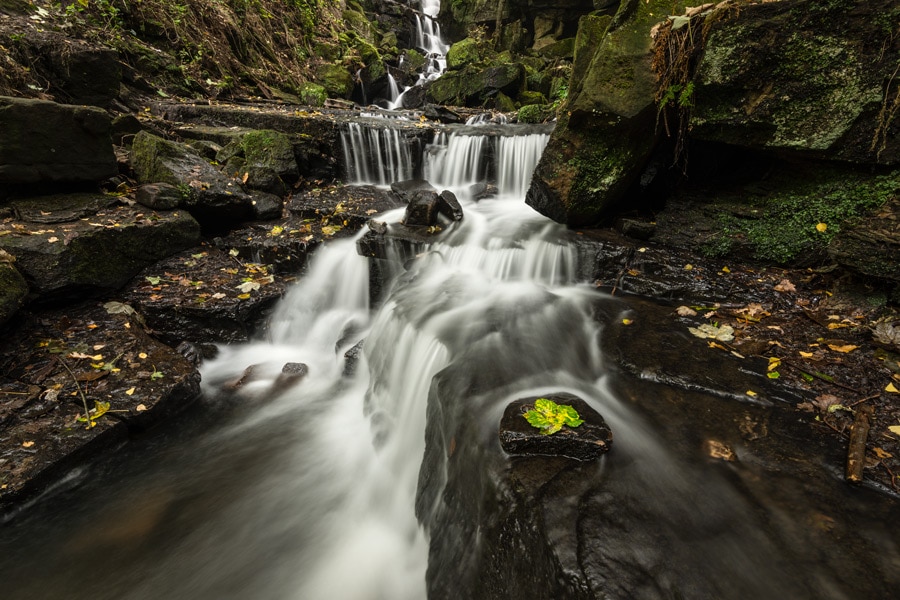
Focus stacking is the perfect way to ensure your landscape shots are pin-sharp from the front of the image, all the way to the back. Learn how easy it is to blend focus stacked images together using Photoshop’s intelligent automated functions. This tutorial focuses on blending landscape images together in Photoshop, with a small amount of shooting advice.
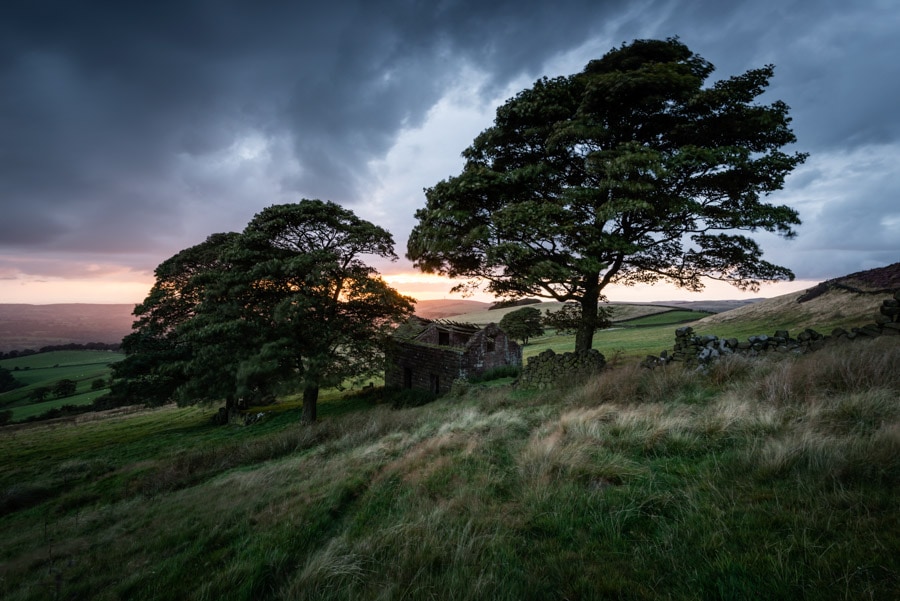
Roach End Barn Location Guide
Roach End Barn is a fantastic photography location found at the end of The Roaches on the Staffordshire side of the Peak District. The Roaches is a gritstone edge that is itself a great location for photography with subject matter perfectly positioned for shooting at both sunrise and sunset. This guide focuses on Roach End Barn, but will also get you to The Roaches if you would like to shoot here.
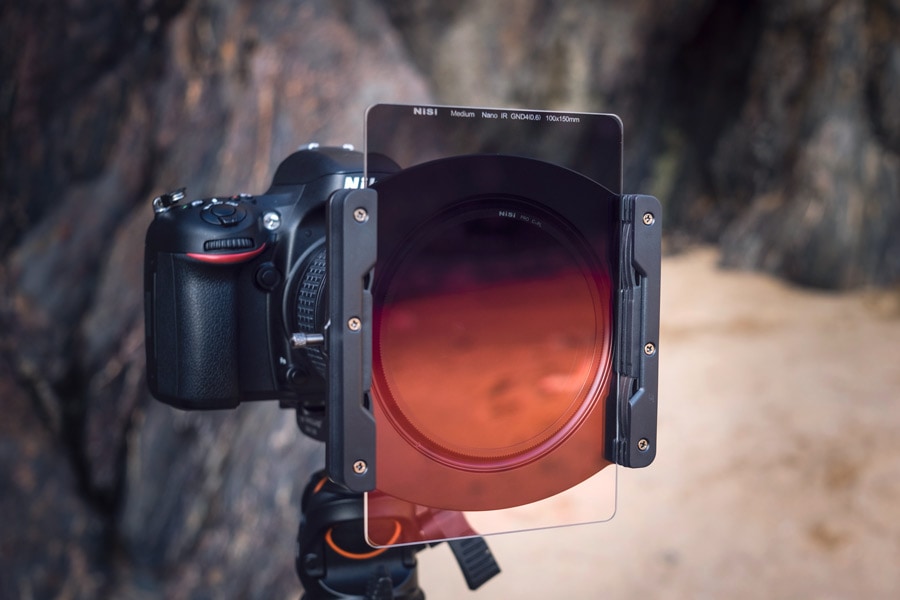
NiSi Filters Medium Graduated Filter review
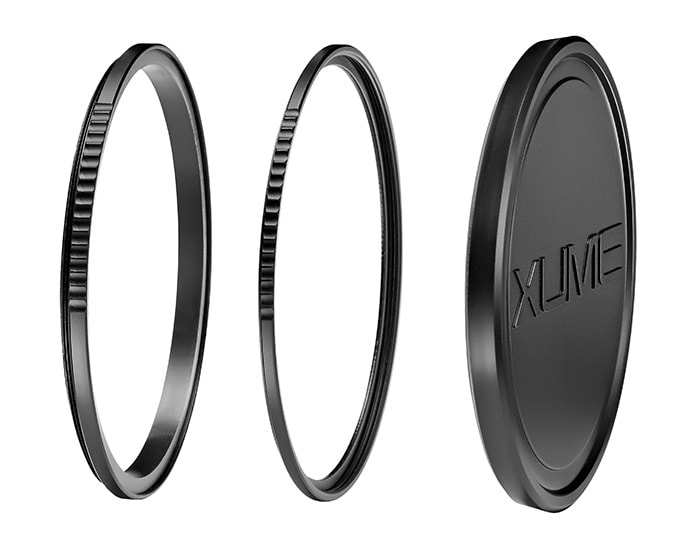
The NiSi Medium Graduated Filter (Medium Nano IR GND) is the latest addition to the NiSi range of drop-in/sheet filters aimed at landscape photographers. It’s designed to fill the gap between the shorter graduation of the NiSi Hard Graduated Filter and the larger graduation of the Soft Graduated Filter. But is this a filter that you absolutely must have in your kit?
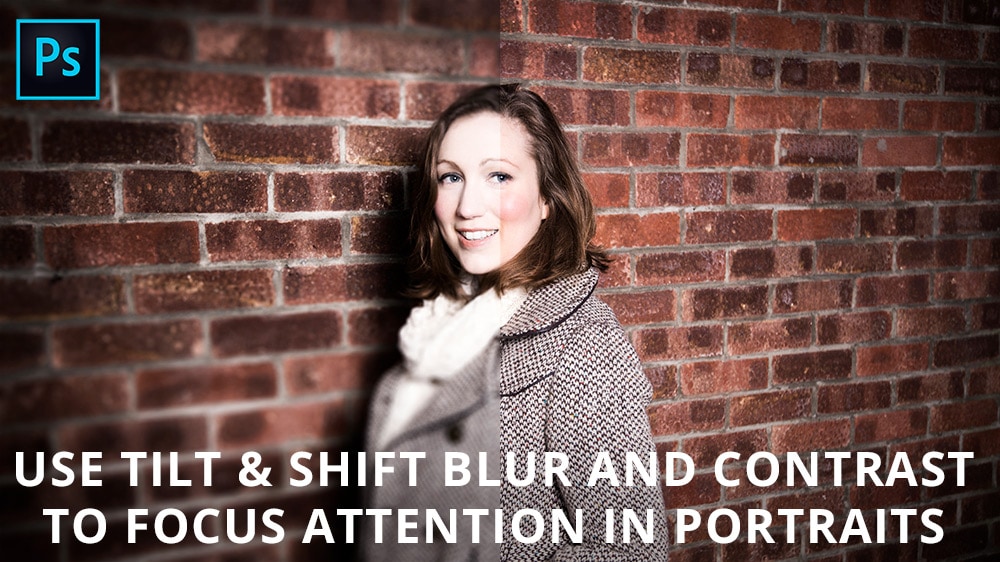
Use blur and contrast to focus attention in portraits
Learn how to focus attention in portraits using a tilt & shift style of blur, and also how to create a high contrast, diffuse glow desaturation technique that produces a punchy colour and tone effect. You can apply the whole technique in Photoshop, or simple use one of the individual smaller effects used within the main technique – it’s entirely up to you.
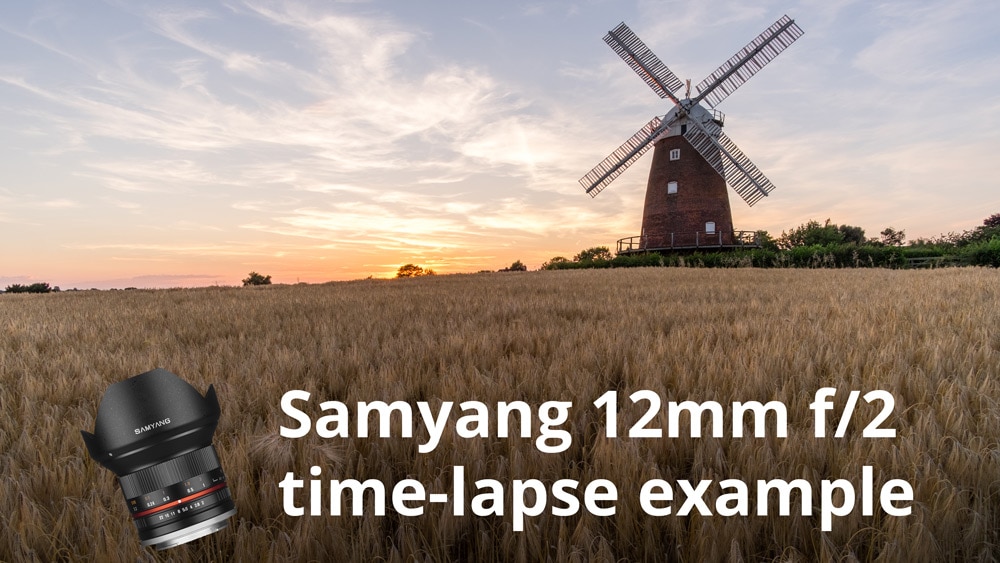
Samyang 12mm f/2 time-lapse
This is a time-lapse shot on Fujifilm X-T1 and Samyang 12mm f/2.0 lens. This was to test how well the Samyang lens performed in this demanding type of shooting situation.
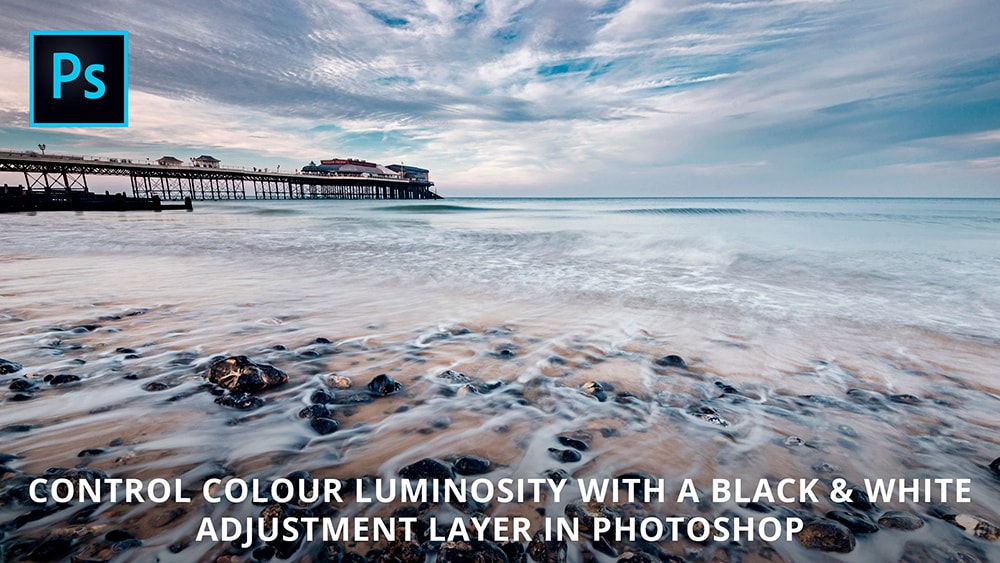
Control colour luminosity in Photoshop
Learn how to control colour luminosity/brightness with a Black & White Adjustment Layer in Photoshop. With this simple technique you can lighten or darken almost any colour in the image to achieve the perfect colour luminosity. The result is greater control over your images by increasing the impact of colour.
Shooting video for cinemagraphs
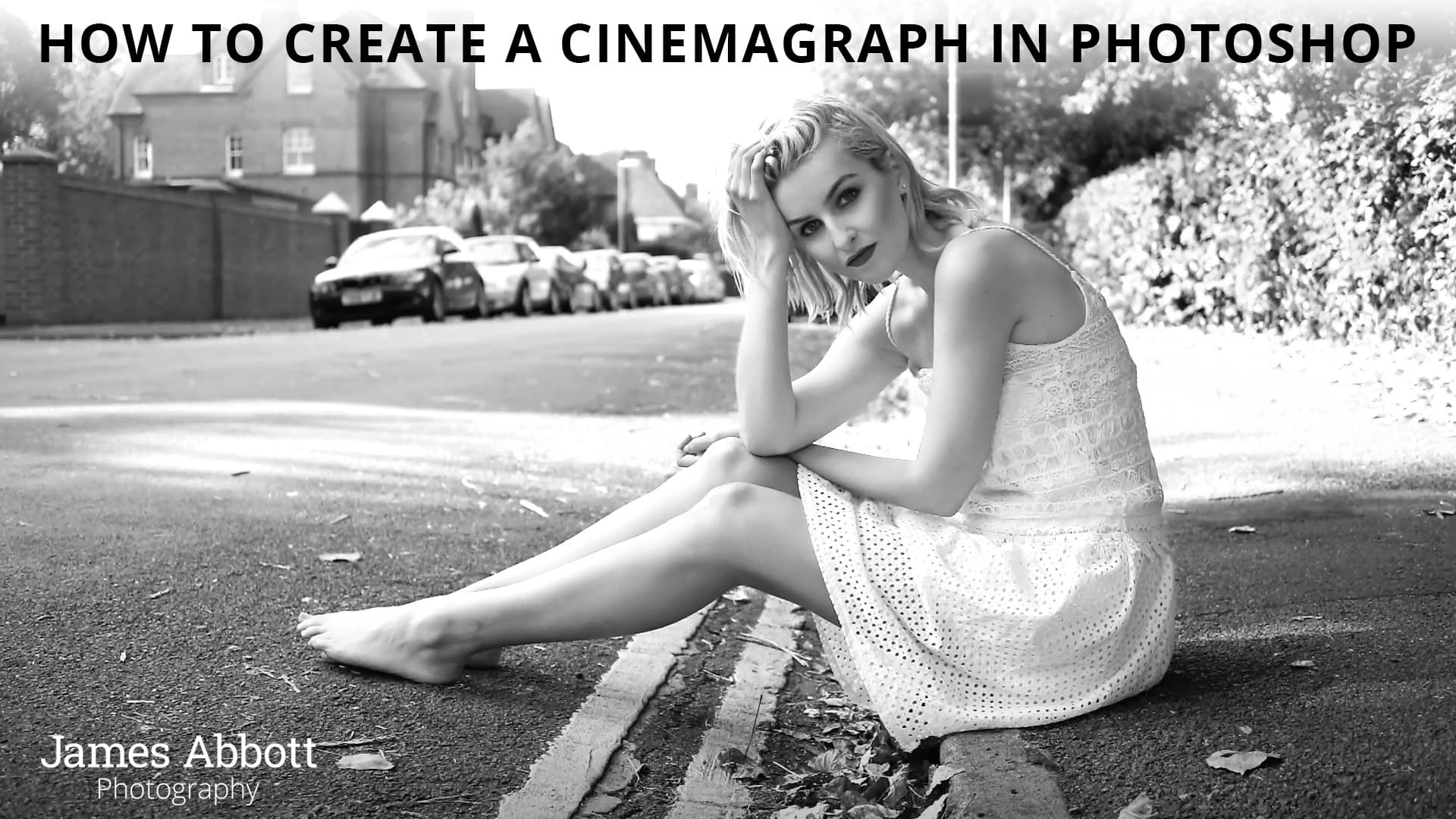
Cinemagraphs have taken the Internet by storm and creating them is a simple process that requires a slightly different approach to shooting regular stills. Quite simply that you have to shoot video from which a still will be taken from during processing. In this part one tutorial you’ll be shown the basics of shooting video. If you would like to jump ahead and learn how to create a cinemagraph in Photoshop click here.
Create a cinemagraph in Photoshop
Cinemagraphs are fun and surreal still images that display an element of movement. This is achieved by shooting a short amount of video footage, loading it into Photoshop, creating a still and then masking out selected areas to reveal the movement behind. By then saving the file as a GIF you have a cinemagraph. If you’d like to learn the basics of shooting video with your DSLR or mirrorless camera take a look at part one of this tutorial – shooting video for cinemagraphs – by clicking here.
Create light leaks in Photoshop
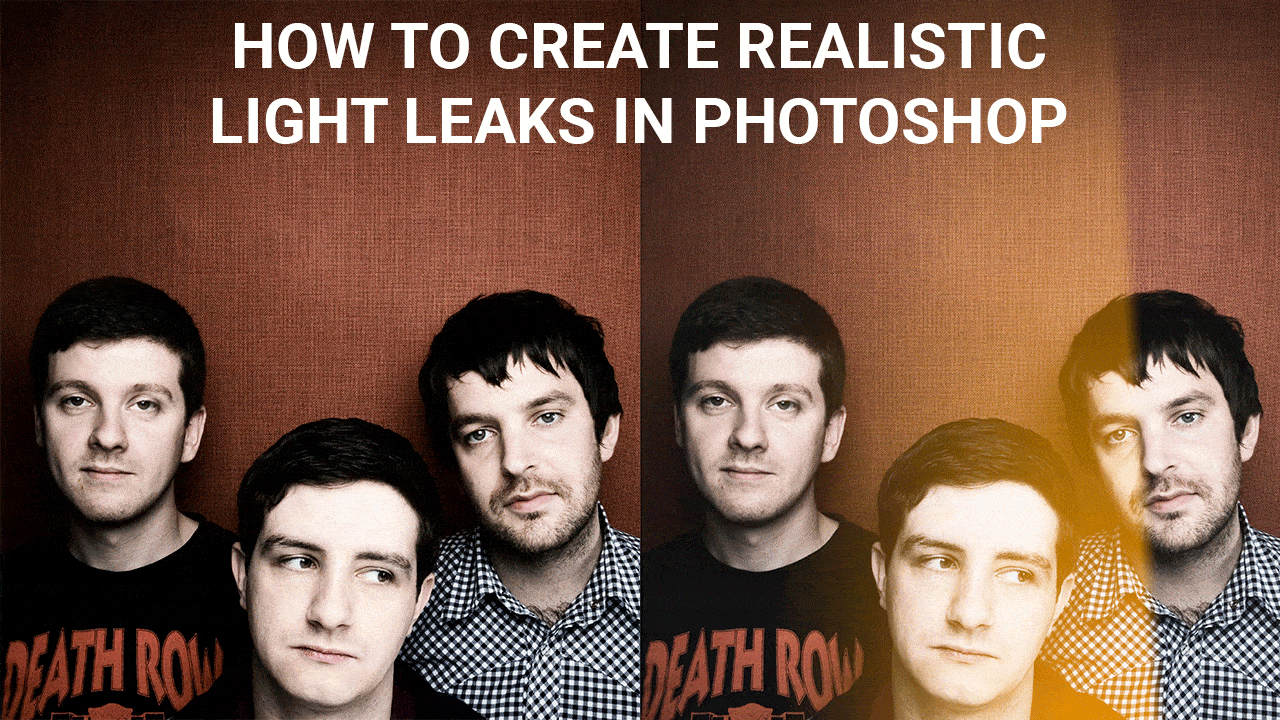
Digital photography is crisp, clean and overall much more consistent than analogue photography. This is great for the most part, but like most things digital results can quickly become too perfect. Relive the unpredictable nature of film photography and add a stylish retro effect to your shots by creating realistic light leaks in Photoshop. Here’s how it’s done…