
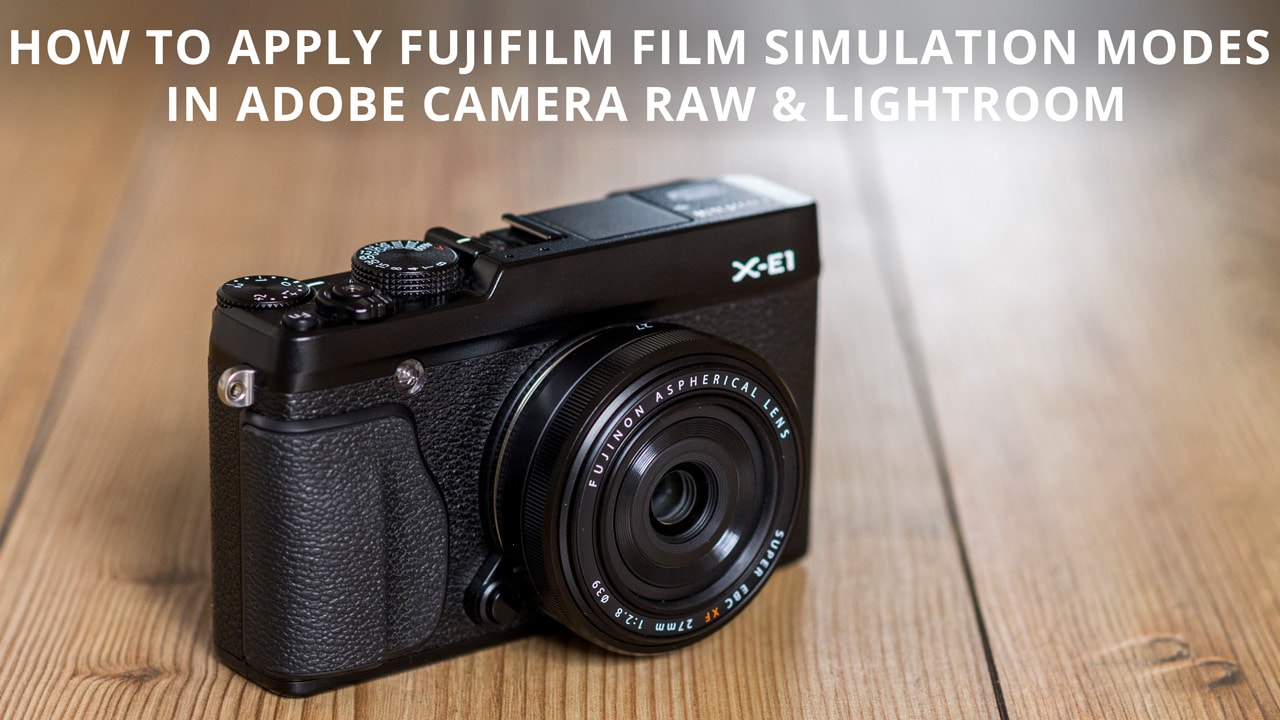
One of the great things about Fujifilm cameras is the ability to apply Film Simulation Modes to your JPEGs in-camera. These are a selection of settings that simulate the look and feel of some of Fujifilm’s best loved films including Provia, Velvia, Astia and many more.
Raw files obviously don’t carry the film simulation data, so what happens when you shoot Raw? The simple answer, if you process your shots using Adobe Camera Raw or Lightroom, is that you can apply them as a profile during processing. Here’s are two tutorials to show you how o apply Fujifilm Film Simulation Modes…

 Installing Photoshop Actions is one of the easiest tasks you can perform in Photoshop. All you have to do is double click on the .atn file, and the Actions will load into Photoshop automatically. Ocassionally, this doesn’t work so you have to install them manually. Here’s how it’s done…